
RudderStack
Add Attribution as a RudderStack destination and forward your events
Attribution is a RudderStack destination. It accepts the RudderStack event specification, so the identify, track, page, screen, group and alias calls your sources already send are forwarded as they are.
- Log in to RudderStack and click Add destination.
- Search for Attribution, select it and give the destination a name.
- Connect the source that carries your website or app events.
- Enter your Attribution Project ID. It is at the top of Settings → Setup Instructions in Attribution.
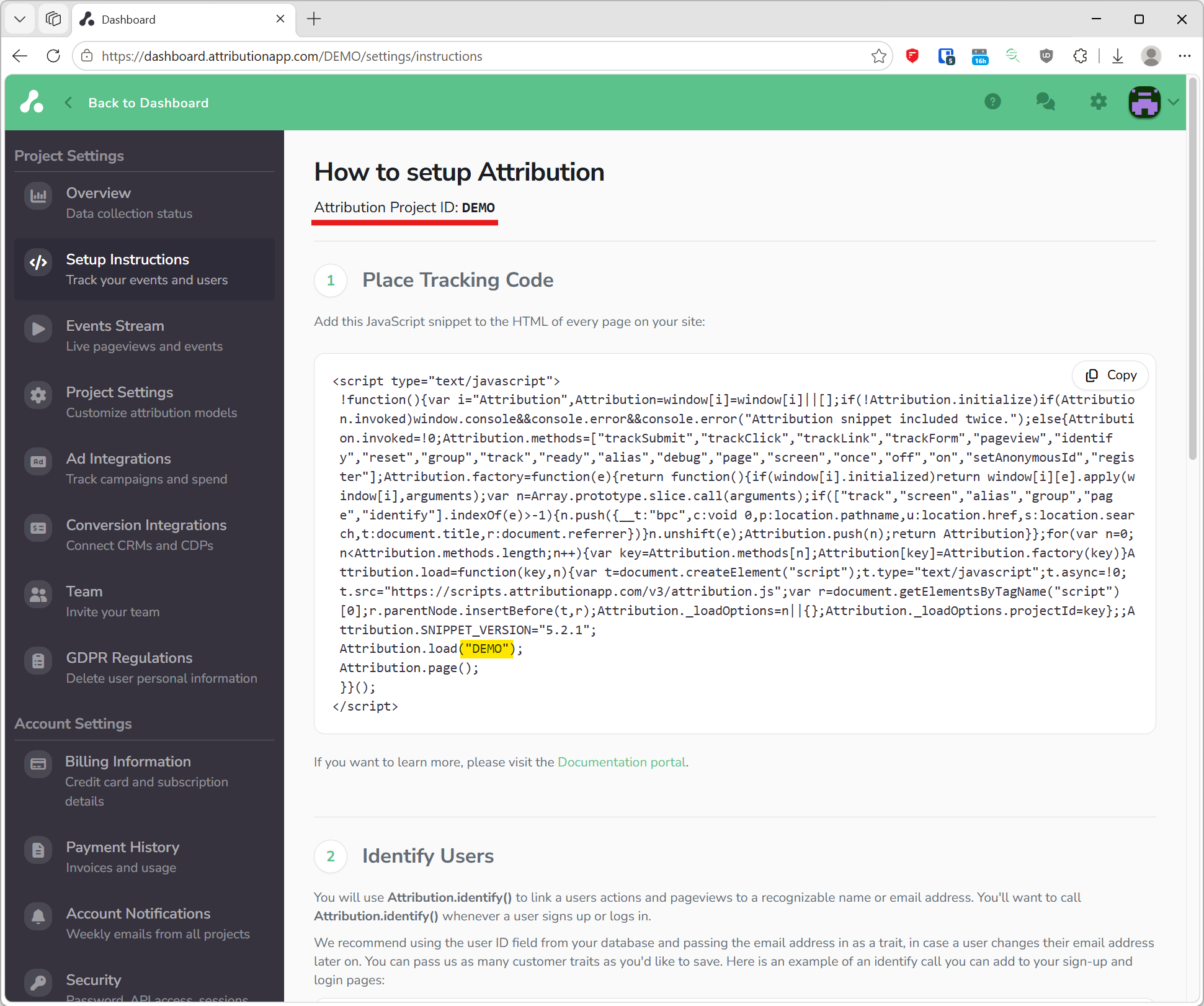
Events start arriving as soon as the destination is enabled and show on the dashboard after the next refresh. RudderStack's own Attribution destination page lists the settings it offers.
Events that come from RudderStack need the same things as a direct install: a page view with its URL and referrer for every visit, an identify call with an email when you know the user, and a track call for each conversion. Install the snippet describes those three calls.
Updated 22 days ago